Get your confirmation email again
Send your confirmation email again from My Order when you can't find it, to the address on your registration.
Can't find your confirmation email? You can send it again yourself from My Order, the page where you manage your registration. It always goes to the email address on your registration, not to a new one.
Send your confirmation again#
- Open the organiser's Resend confirmation link, or Manage my order. Either one opens My Order.
- Type the email you registered with, click Email me a code, and type the 6-digit code you're sent. See Sign in.
- Click View on your registration.
- In Manage, under Resend confirmation email, click Resend email.
The page says We've sent the confirmation email again to the address on this registration. It can take a few minutes to arrive.
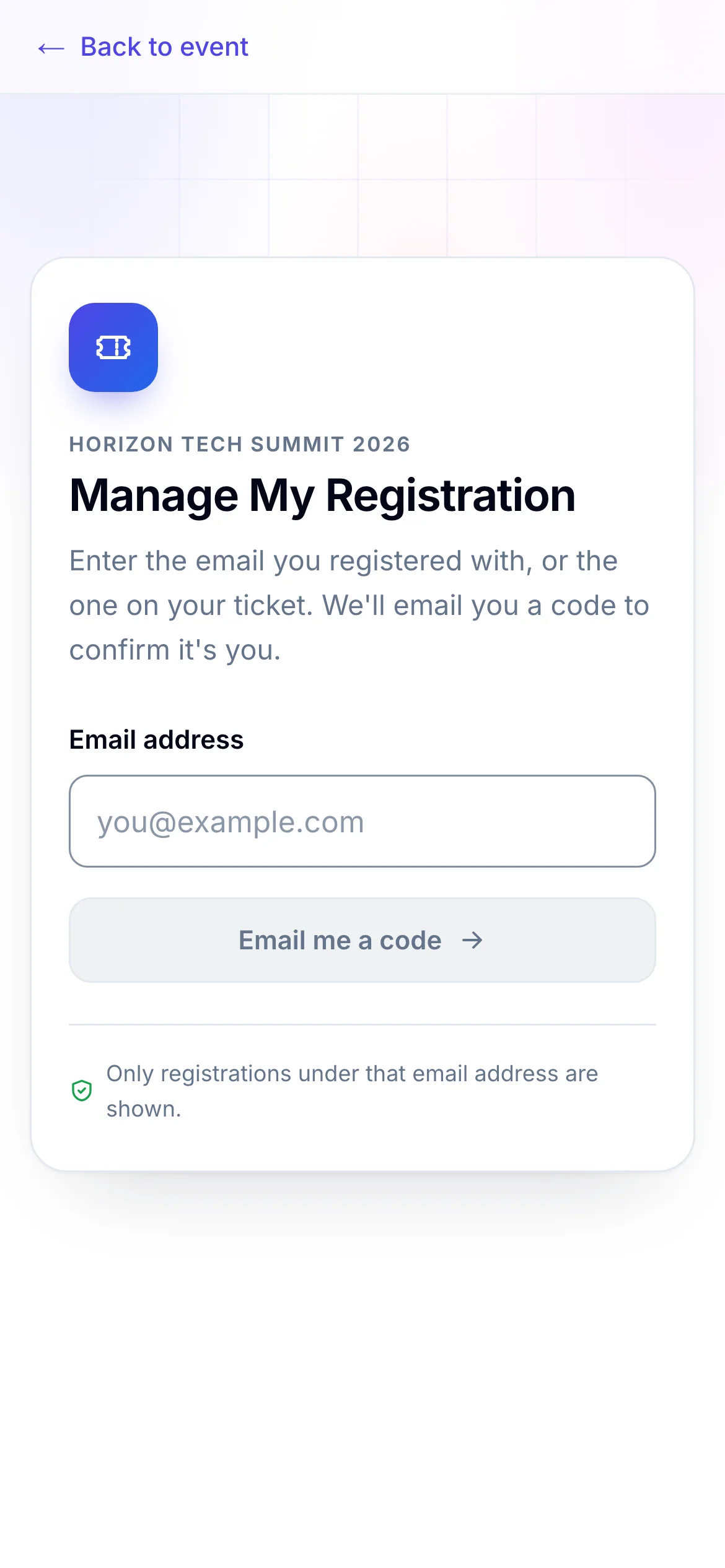
- 1The email you registered with, or the one on your ticket
- 2Sends a 6-digit code to that address
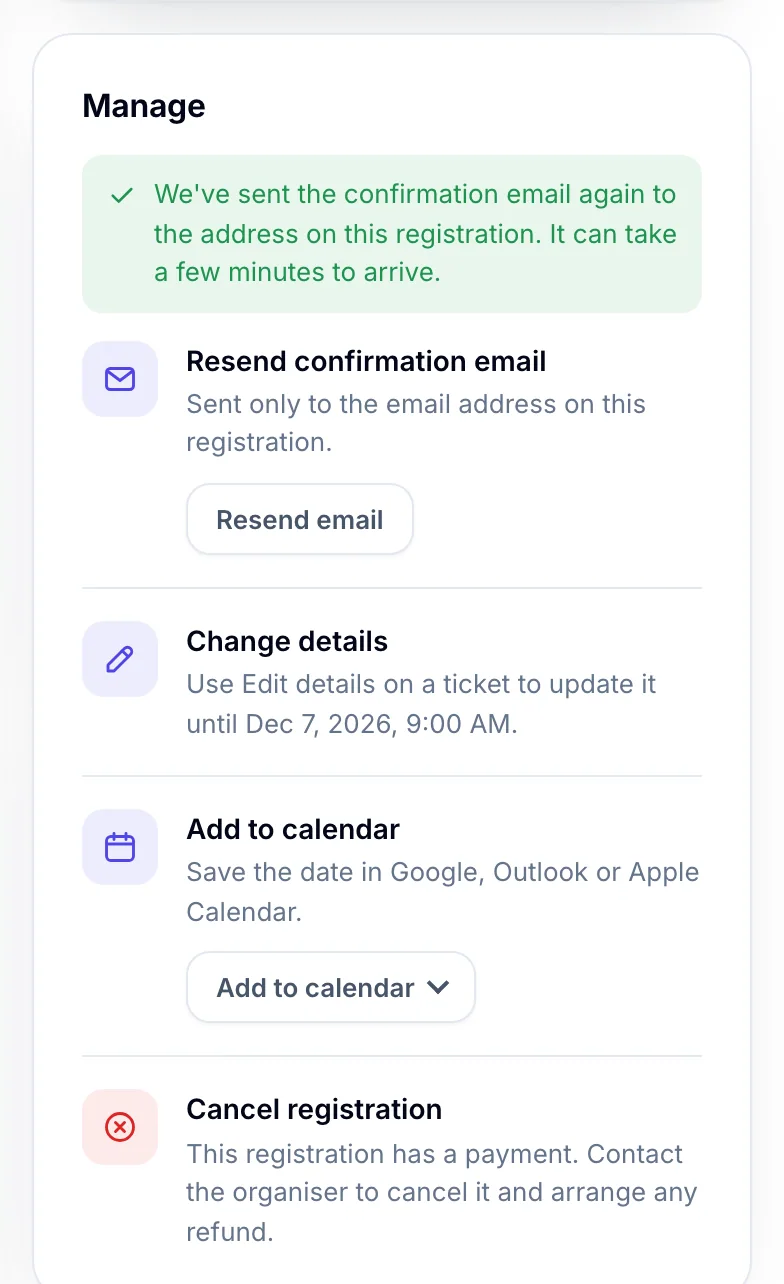
- 1Sent to the address on the registration
What is sent#
| Your registration | The email you get |
|---|---|
| Confirmed | The confirmation, with your tickets and their QR codes. |
| Waiting for payment or approval | The acknowledgement that it was received, with any payment instructions. |
| Cancelled | The cancellation email. |
If you signed in with an attendee's own email rather than the buyer's, the row says Resend my ticket email and sends that attendee their ticket email, once the registration is confirmed.
If something looks wrong#
- There's no Resend confirmation email in Manage. The organiser hasn't offered it for this event. Contact them, or open your ticket from My Order.
- Your ticket email is sent once the registration is confirmed. You signed in as an attendee, and the registration isn't confirmed yet.
- You have asked for this email several times. Please wait before trying again. You can resend a few times an hour. Wait a while, then try again.
- The page says the email could not be sent. Try again in a few minutes.
- It still doesn't arrive. Check your spam or junk folder, and search for the event's name. If the address on your registration is wrong, ask the organiser to correct it: it can't be changed in My Order.
- No code arrives when you sign in. A code is only sent to an address that has a registration for this event. Try the address you registered with.
For organisers#
- Turn on Registrants may resend their confirmation email: Set when and how people register.
- Resend an email to a registrant yourself, or correct their address: Order details.
- What the confirmation email says: Email templates.
Related guides
- Manage your registrationSign in to My Order with a code sent to your email, see your registration and tickets, change your details and cancel if the organiser allows it.
- Your e-ticket and QR codeFind your e-ticket in your email or in My Order, print or save it, and show its QR code at check-in.
- Pay and get your confirmationPay for your tickets, see your confirmation, and find the confirmation email, invoice and receipt that follow.
Still stuck? In EventNook, ask HeyNook. It knows the page you're on and your event, and can take you straight to the right setting.